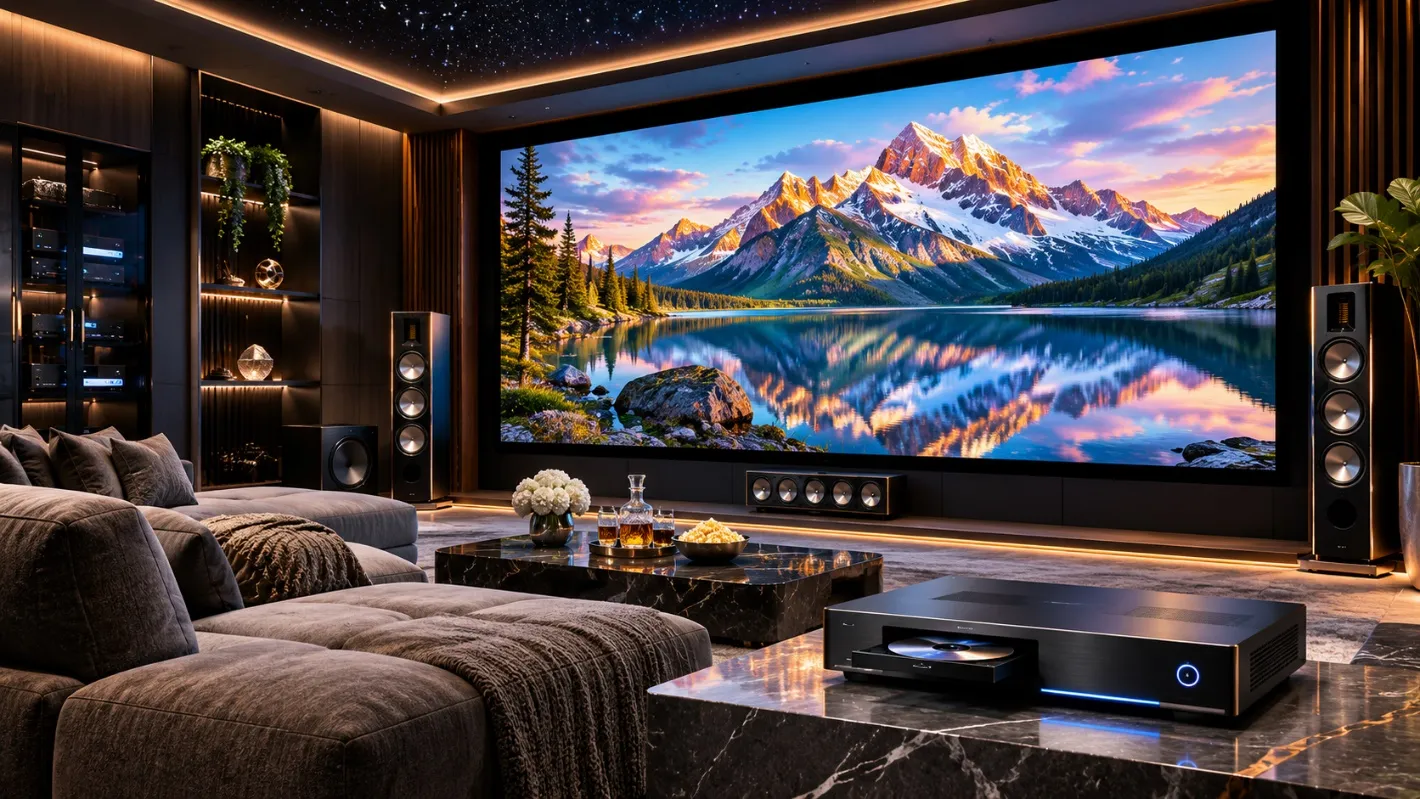
Home theater technology continues to evolve, introducing higher resolutions, improved color reproduction, and new playback formats. However, upgrading equipment simply because a newer specification exists does not guarantee a noticeably better experience. The arrival of the Kaleidescape Strato K gives movie enthusiasts another reason to evaluate their existing installations. Before investing in advanced playback equipment, homeowners should understand how display resolution, video formats, connection compatibility, and available content influence the actual benefits of an upgrade.
Understand What 8K Resolution Really Means
An 8K display contains approximately 33 million pixels, compared with about 8 million in a 4K display. This additional resolution can reproduce finer image details when suitable content and viewing conditions are available. However, the improvement is not equally noticeable in every room. Screen size, viewing distance, and individual eyesight affect whether viewers can distinguish additional detail.
A relatively small screen viewed from a considerable distance may reveal limited benefits from increased resolution. Before choosing an 8K display, homeowners should evaluate whether the physical viewing environment can make meaningful use of the additional pixels.
Discover Why 4K Cinematic Is Different
Higher resolution is not the only development worth considering. Video quality also depends on color information, compression, and the amount of data preserved during playback. Kaleidescape introduced its exclusive 4K Cinematic format alongside Strato K. This format uses higher bitrates and supports chroma sampling up to 4:4:4, preserving more color information than conventional 4K video commonly distributed with 4:2:0 sampling.
These improvements can help reproduce fine textures and subtle color transitions.
Importantly, 4K Cinematic is designed for compatible 4K displays as well as larger systems, so owning an 8K television is not essential to experiencing it.
Compare New Playback Features With Existing Equipment
Homeowners should identify what their current movie players already support before replacing them. The Kaleidescape Strato V provides 4K playback, Dolby Vision compatibility, and lossless audio. It remains a capable option for premium home theaters that do not require the newer formats. Strato K adds native 8K playback and support for Kaleidescape’s 4K Cinematic format.
These additional capabilities do not make every existing 4K installation obsolete. The decision should depend on whether the homeowner wants access to the new formats and whether the connected display can demonstrate their benefits.
Check Display and HDMI Compatibility
A playback upgrade should begin with a review of the complete video signal path. The television or projector must support the intended output format. Receivers, processors, and other devices positioned between the player and display can also affect compatibility. For example, Kaleidescape states that Strato K can deliver 4K Cinematic through a standard 18 Gbps HDMI connection when the existing system supports that bandwidth.
Native 8K playback has different requirements. Homeowners should confirm supported resolutions, refresh rates, HDR formats, and connection capabilities before purchasing replacement components. This helps avoid unnecessary upgrades to equipment that already meets the intended viewing requirements.
Understand How Content Availability Affects Value
An advanced movie player becomes more valuable when the desired titles are available in formats that use its capabilities. Not every film is offered in 8K or 4K Cinematic. Availability depends on the movie catalog and supported versions.
Before upgrading, consider:
- Whether favorite movies are offered in the desired format.
- How often new titles will be purchased.
- Whether the existing display supports relevant features.
- The storage capacity required for larger movie files.
- The additional cost compared with current equipment.
These questions provide a more realistic evaluation than comparing resolution numbers alone.
Consider Storage and Download Requirements
Higher-fidelity movie files can require substantial storage capacity. Kaleidescape states that its 4K Cinematic titles are larger on average than its standard 4K downloads. Strato K includes internal solid-state storage for standalone operation and can integrate with compatible Terra movie servers for expanded systems.
However, grouping a Strato K with a Terra server changes how its storage operates. Movies are then accessed from the server rather than retained in the player’s internal standalone library. Homeowners should understand these arrangements before choosing additional storage. Network performance also matters because larger downloads require sufficient bandwidth and reliable connectivity.
Make Upgrade Decisions Based on Real Viewing
Specifications can establish technical differences, but demonstrations are useful for determining whether those differences matter personally. Whenever possible, compare suitable source material under consistent lighting conditions and with comparable display settings. Pay attention to fine textures, color transitions, shadow details, and the overall naturalness of the image.
Avoid judging performance entirely from promotional demonstrations that use different screens or room environments. A meaningful comparison should reflect the equipment and viewing conditions the homeowner actually intends to use. This approach encourages investments based on visible benefits rather than marketing terminology.
Conclusion
The transition toward 8K and higher-fidelity 4K formats creates exciting possibilities, but upgrading should remain a deliberate decision. Existing 4K equipment may continue to deliver excellent results when paired with suitable displays and well-designed rooms. Epic Systems offers Kaleidescape playback options for homeowners evaluating newer technology alongside established solutions. Rather than replacing components automatically, buyers should examine their favorite content, current system capabilities, and realistic viewing conditions. The right upgrade is one that delivers a meaningful improvement to the movies they enjoy.